40+
Commercial Users
Used Daily
Designing a centralized platform that streamlined commercial operations through role-based access, analytics, and modern frontend architecture.
Commercial Users
Used Daily
Secure Access
Role-Based
API Integration
Connected
Server State
Optimized
01
Understanding the business problem before writing a single line of code.
Commercial teams relied on multiple disconnected workflows to manage leads, campaigns, customer information, and performance reporting.
This fragmented process made it difficult to gain meaningful business insights while also introducing unnecessary manual work across different teams.
The goal was to build a centralized CRM that streamlined these workflows into a single platform, giving commercial teams a faster, more secure, and more intuitive way to manage their daily operations.
Role
Timeline
Users
Stack
02
The biggest challenge wasn't building features—it was simplifying how different teams worked together.
Before
After
03
A frontend architecture designed for scalability, performance, and maintainability.
Responsive interfaces built with reusable components and TypeScript.
Caching, synchronization and server state management.
Secure authorization ensured every user accessed only the features relevant to their role.
Communication between frontend and backend through secure REST endpoints.
Business logic, authentication and persistent data storage.
04
Every technical decision was made to improve performance, maintainability, and developer experience.
Server State
Instead of manually managing asynchronous requests across multiple components, React Query centralized data fetching, caching, loading states, retries, and background synchronization.
Security
Different users interacted with different parts of the platform. Implementing role-based access ensured users only saw the features relevant to their responsibilities.
Performance
Larger dashboard modules were loaded only when needed, reducing the initial JavaScript bundle and improving the application's perceived performance.
Scalability
Shared UI primitives made it easier to build new dashboard features while maintaining a consistent design language across the application.
05
The CRM focused on helping commercial teams work faster with a clean and intuitive interface.
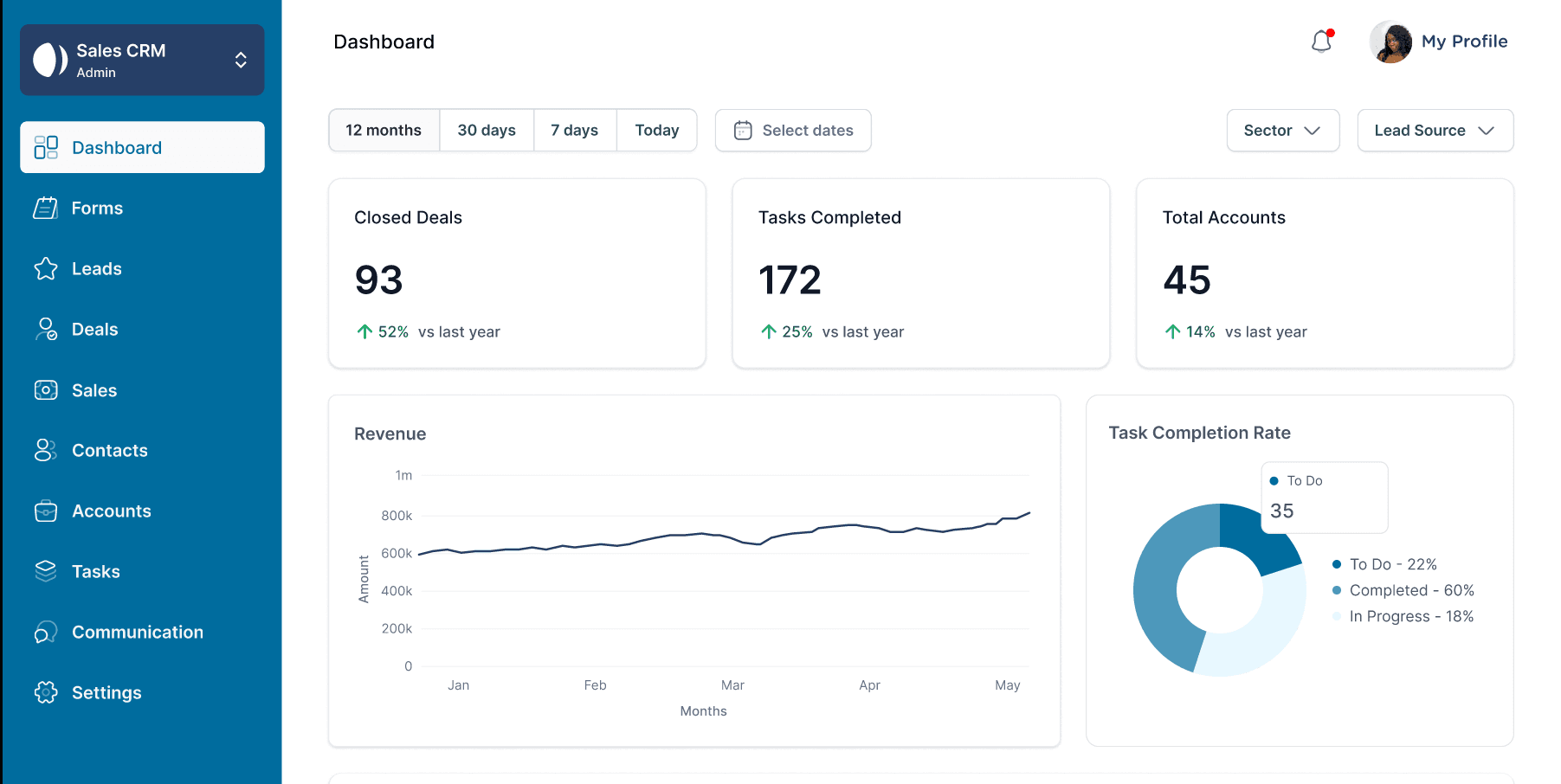
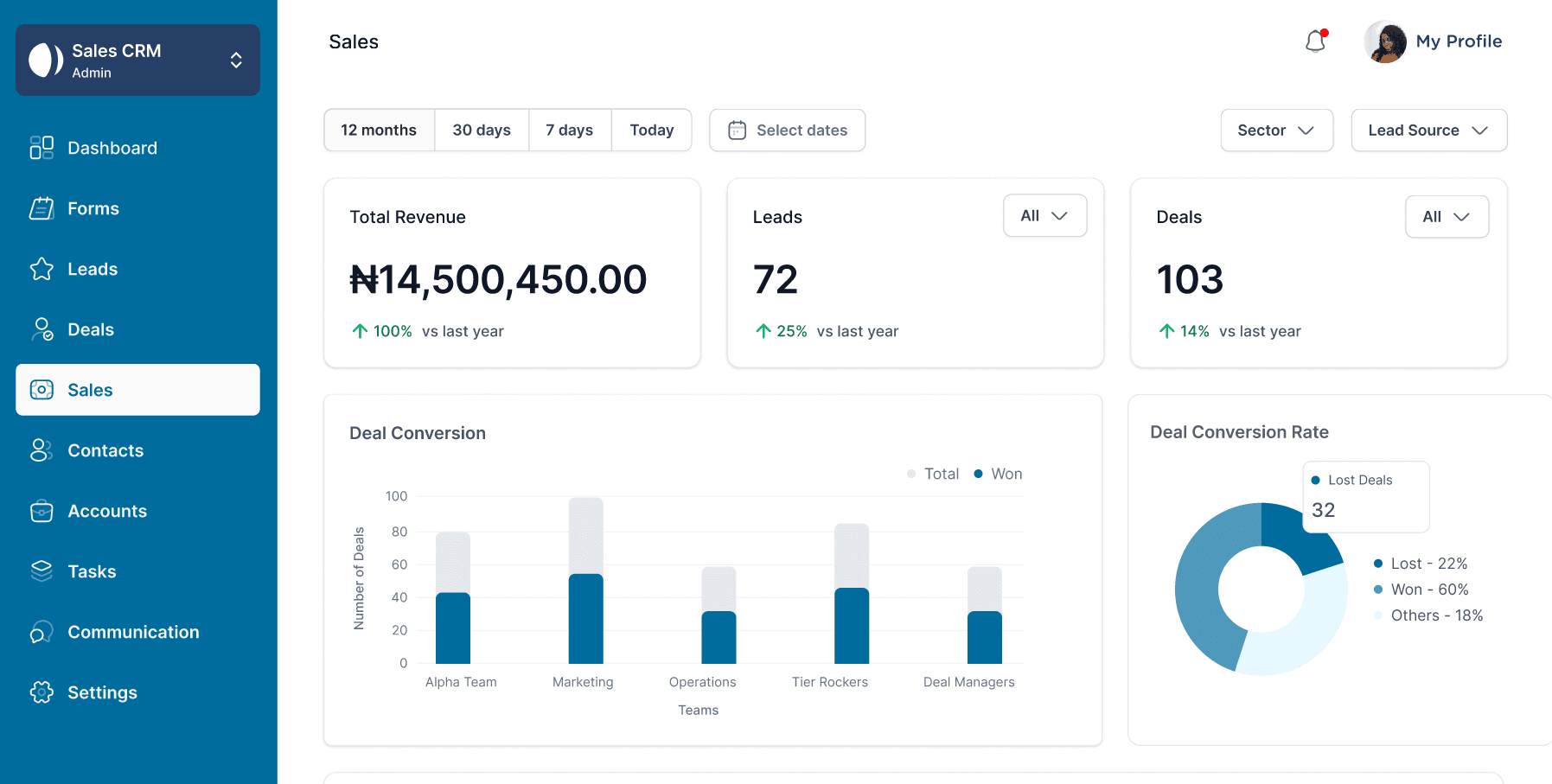
A centralized dashboard that surfaced the most important commercial metrics at a glance.
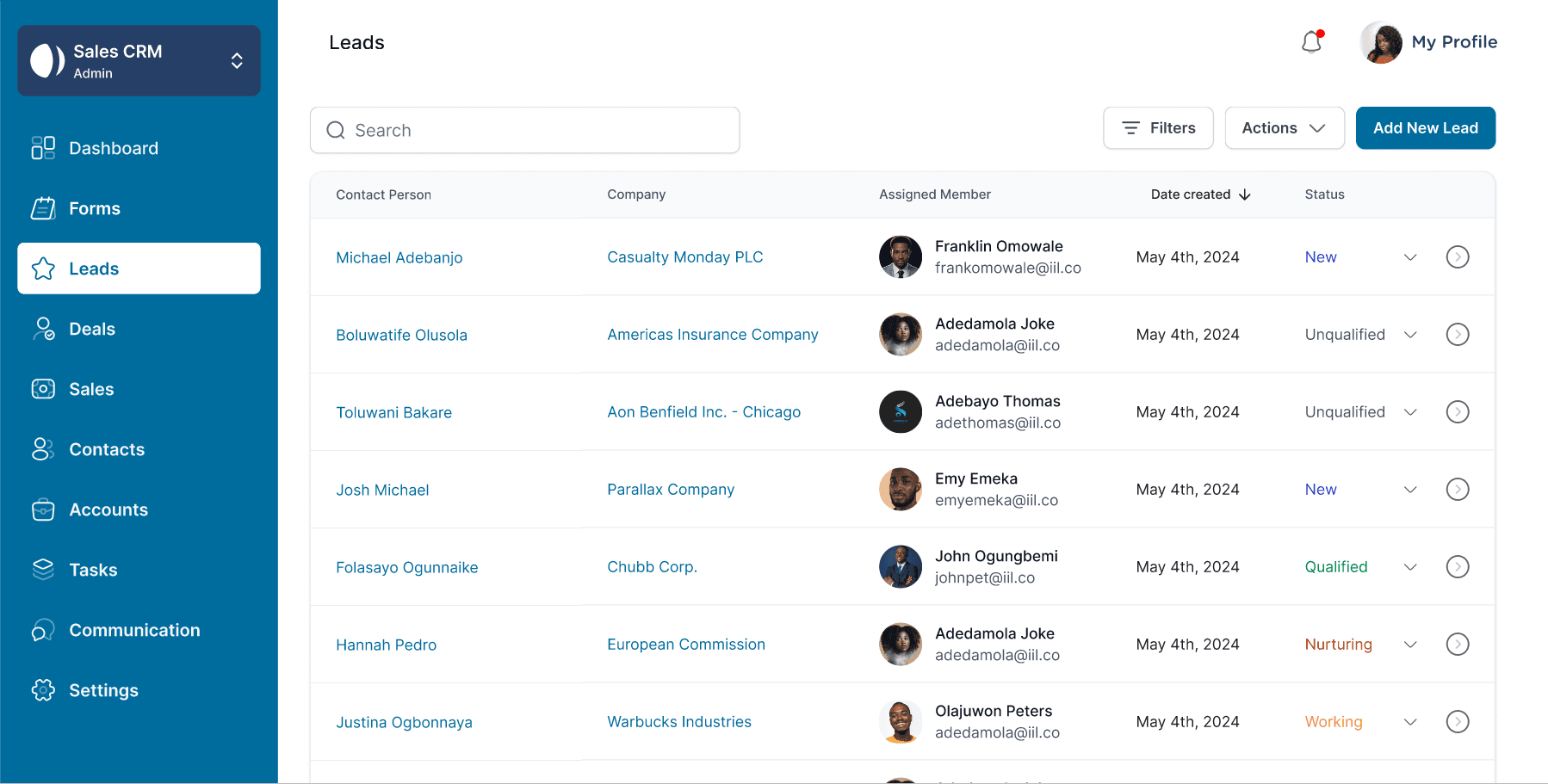
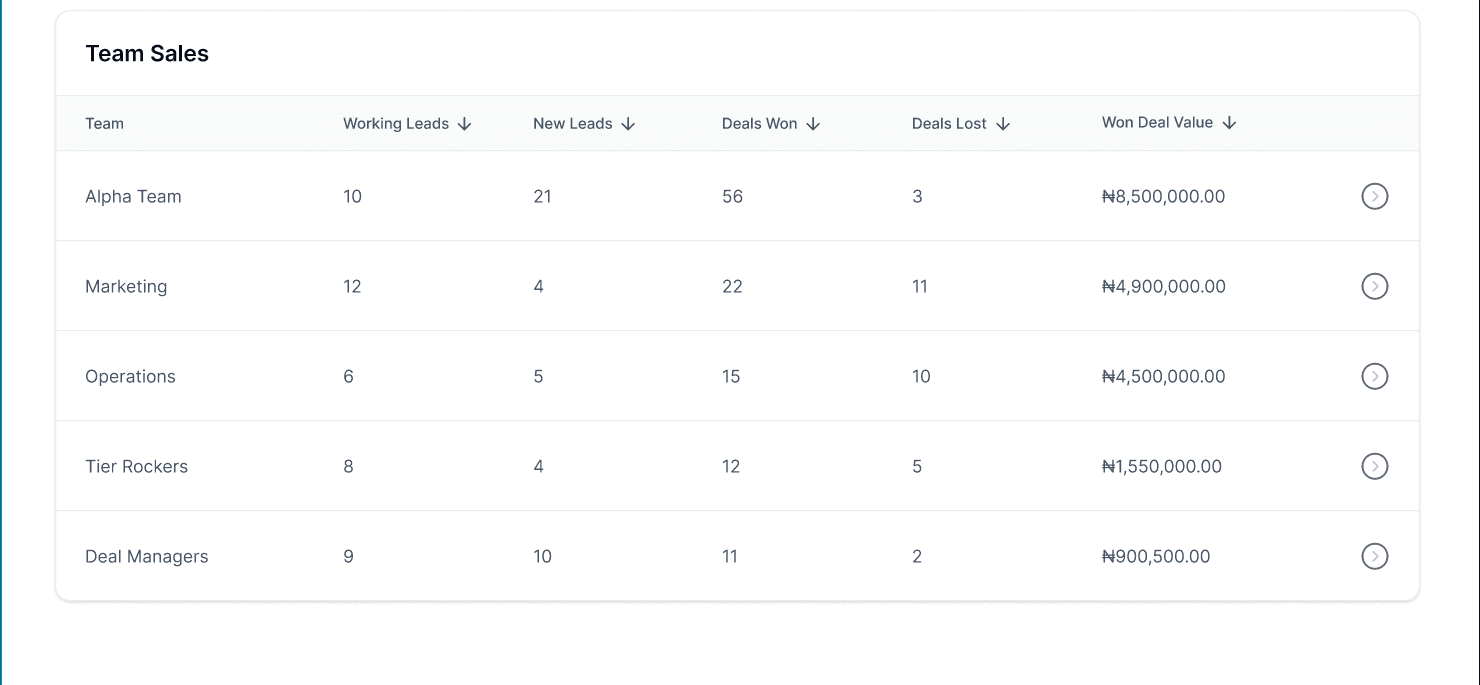
Commercial teams could efficiently organize and manage customer pipelines.
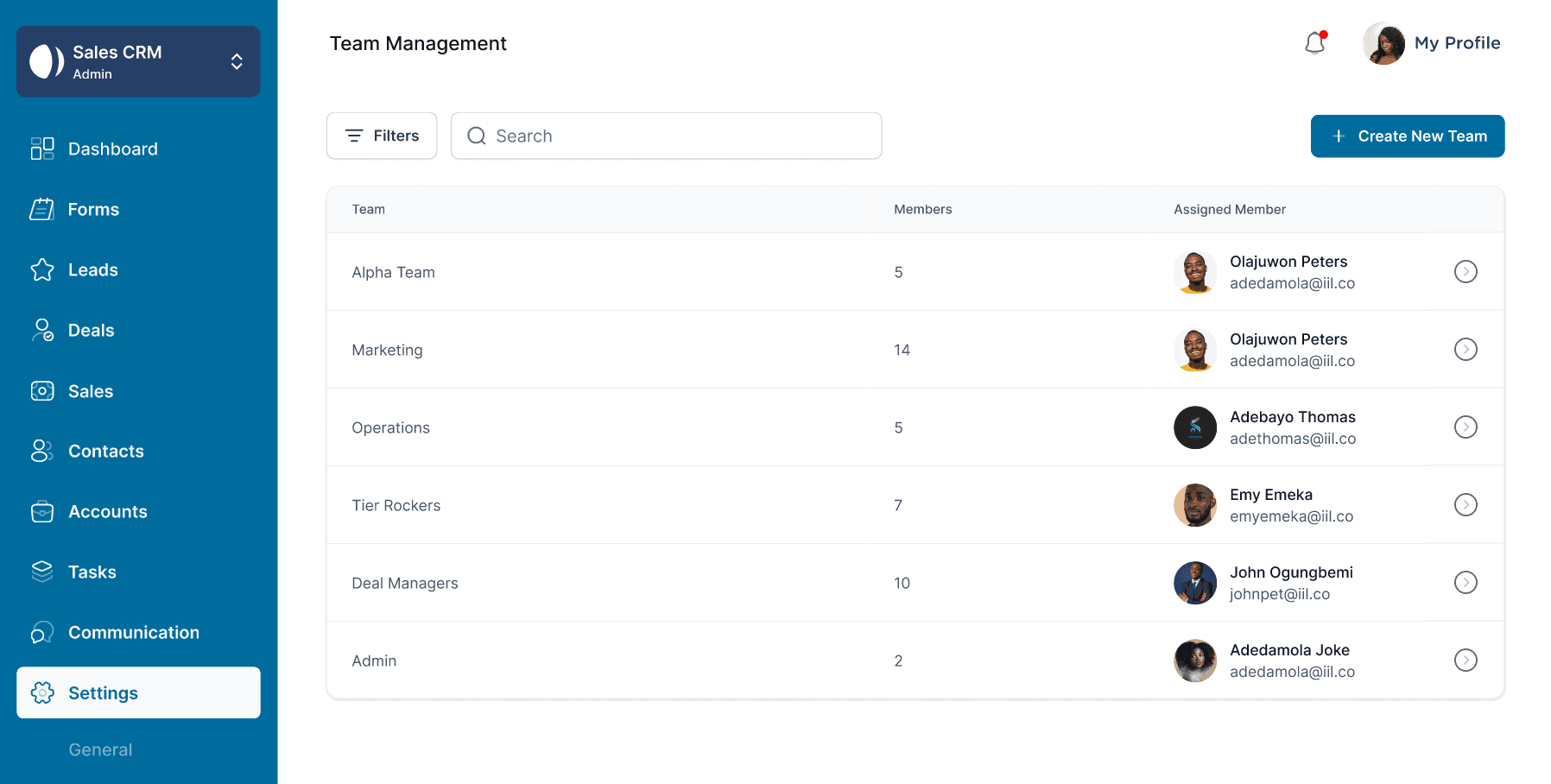
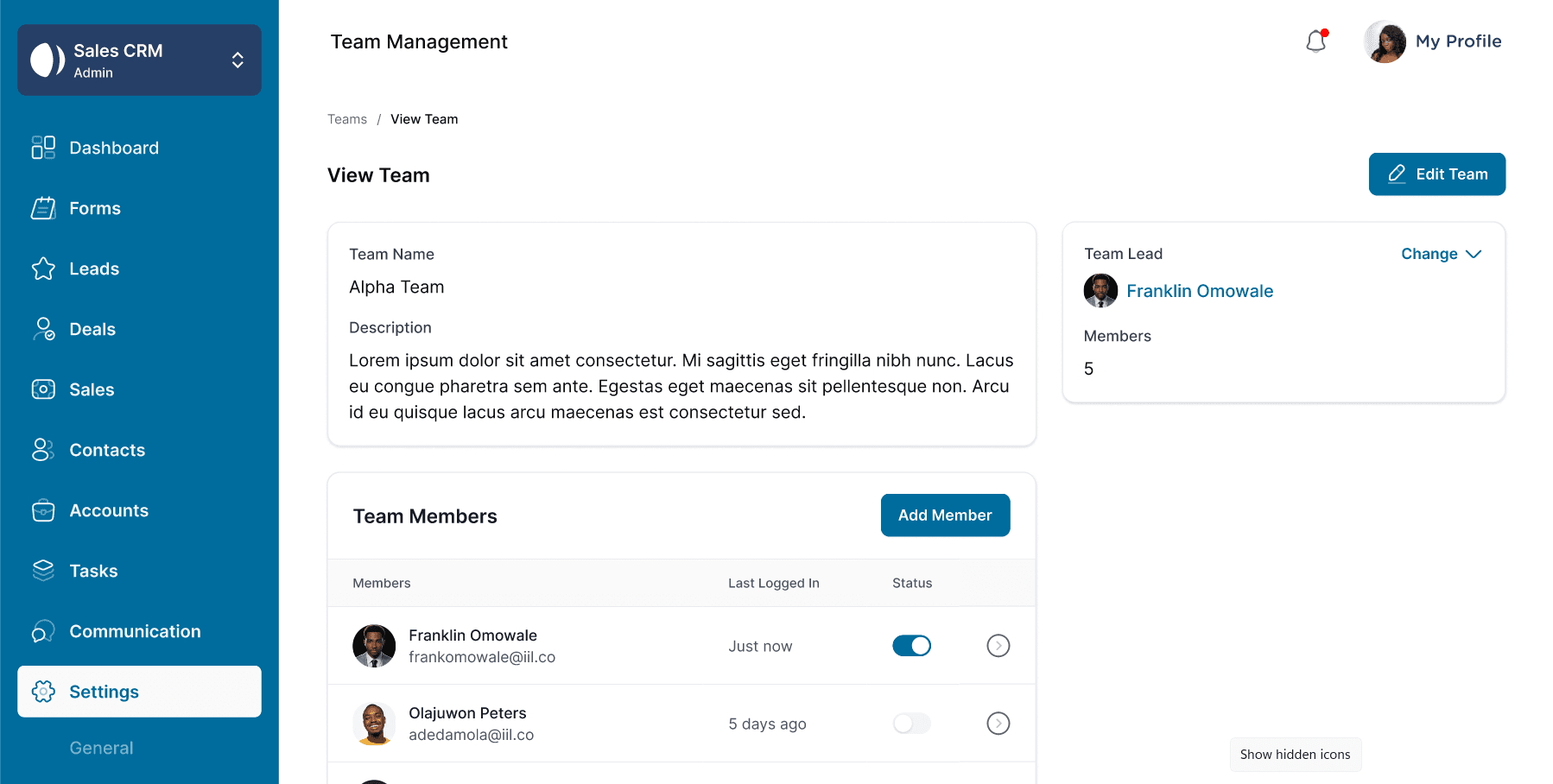
Access to different modules changed automatically based on user permissions.
06
The result was a production-ready CRM that simplified commercial workflows while remaining scalable and maintainable.
Commercial teams relied on the platform for their day-to-day operations.
Optimized across desktop, tablet, and mobile devices.
Role-based permissions ensured users only accessed relevant features.
Connected seamlessly with backend services for real-time data.
07
Looking back on the project and the lessons it taught me.
Building this CRM fundamentally changed how I think about frontend engineering.
Before this project, I focused primarily on implementing user interfaces. Working on a production CRM taught me that great frontend engineering is equally about architecture, performance, maintainability, accessibility, and creating systems that scale.
I collaborated closely with backend engineers and product stakeholders to translate business requirements into intuitive user experiences while keeping the codebase modular and easy to extend.
The biggest lesson I took away is that successful products are built by balancing user needs, business goals, and engineering best practices—not by writing the most code.
Thanks for reading
Explore more projects in my portfolio or let's connect and build something meaningful together.